
What VINELink Covers in Gibson County
VINE tracks custody status. It sends notifications. Tennessee also uses the name SAVIN, which stands for Statewide Automated Victim Information and Notification. Current TDOC Victim Services instructions describe searching people in TDOC custody by name or TDOC number, then opening Record Details or Get Notified, and a 2021 Tennessee Sheriffs' Association notice describes county-jail coverage across all 95 counties.
No source documents a Gibson-specific endpoint, local field list, or refresh interval. The safe method stays conditional. Pick Tennessee in the live VINELink system and test whether Gibson County is offered. If the county or the person is missing, call the Gibson County Correctional Complex. Absence can mean new intake, a spelling difference, a transfer, a release, protected data, or a feed delay.
TDOC custody and Gibson County jail custody are distinct. FOIL and the current TDOC VINE instructions center on felony offenders in state custody or under supervision. Someone held locally before trial may not appear there. Federal custody is separate too. BOP, U.S. Marshals, and ICE each keep their own records and locators.
How to Check a Gibson County Arrest on VINELink
Use the live interface, since routes and labels change. Have the person's full name and a reliable identifier ready, and never treat a similar name as a confirmed match.
- Open VINELink and choose Tennessee.
- If prompted for a county or system, select Gibson County and note whether it is available.
- Search the full name as it may appear in the booking record, or use a TDOC or offender number when known.
- Compare multiple matches by identifier, custody location, and status rather than name alone.
- Open Record Details and note the event date, facility, status, and last update shown.
- Call the jail when no result appears or when the answer is urgent.
The Gibson County recent arrests hub explains how to obtain the underlying booking record or photo. VINELink will not show a booking photograph. The state-selection screen on VINELink starts the process. Open VINELink state selection.
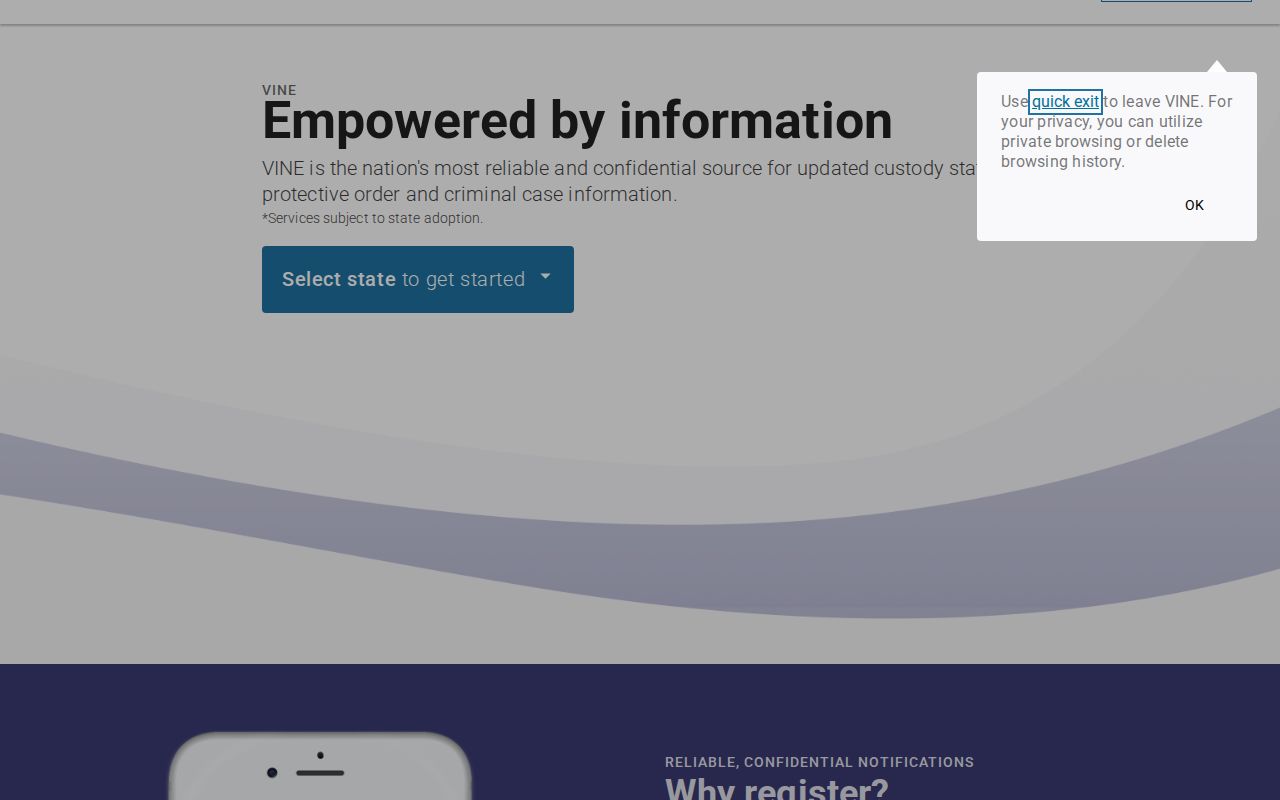
The capture shows the entry point, while the live system determines current county availability.
What VINELink Shows After an Arrest
VINE mainly communicates custody events. The exact fields depend on the participating system and record. Gibson County's local fields are not published, so the table lists common items to inspect without promising every one appears.
| Possible result field | How to use it |
|---|---|
| Name | Compare with the booking identity |
| Offender or TDOC number | Distinguish similar names |
| Custody status | Read the stated current system event |
| Facility or location | Identify which agency to call |
| Event or update date | Judge whether the result may lag |
| Notification control | Start alert registration when offered |
A custody event is not a disposition. Here "released" only means the covered custody episode ended, not that charges went away. "Transferred" means a move between systems. A local booking remains an official record even after the person drops out of a current-custody result.
How to Register for Custody Alerts
Tennessee materials describe text, email, TTY, automated phone, and mobile alert channels. Choices vary in the live system. Registration is free per those materials. Keep your confirmation and PIN private, and update contact details when they change.
- Open the correct person’s result and choose Get Notified or the equivalent control.
- Select the offered event types, such as release or transfer.
- Choose text, email, telephone, TTY, or an available application channel.
- Enter the requested contact information and create or retain the PIN.
- Complete any verification step and save the confirmation.
- Test or update the registration as directed by the live service.
TDOC materials publish 24-hour operator support at (888) 868-4631. Older statewide material lists another number in part of its notice. Trust the current TDOC page. An alert is an added safeguard, never the sole basis for an urgent decision. VINELink's notification page completes the workflow. Open the current VINELink notification service.
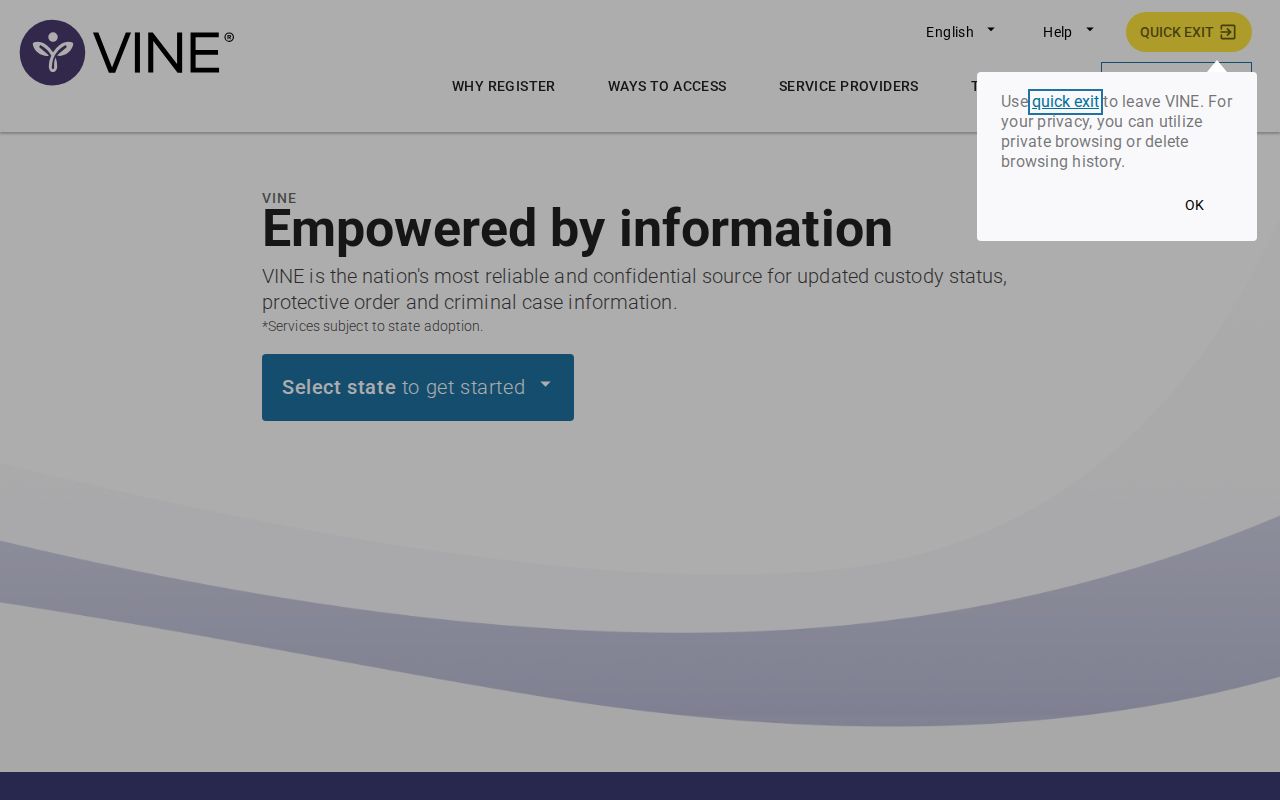
The capture shows the service context without exposing a subscriber’s private information.
VINELink Limits and How to Confirm
VINE does not replace the sheriff or the courts. The Gibson County jail holds the local booking and custody answer. TDOC controls state felony records. Federal custody sits elsewhere: the Bureau of Prisons covers federal inmates, ICE runs its own detainee locator, and juvenile, sealed, protected, or non-public records may stay unavailable.
A fresh booking can lag. Intake may be unfinished, or the local feed has not updated yet. A name variation can also defeat a search. Confirm a recent event through the Gibson County same-day arrest path and the sheriff's main line at (731) 855-1121. Ask whether the person is booked, held, released, or transferred.
Tennessee VINE Deployment Details
The statewide county-jail notice supports broad Tennessee SAVIN coverage. The current TDOC page adds a clear state-prison workflow. Neither source proves the exact Gibson feed, its fields, or its delay. That gap matters. A statewide statement is not a county integration record.
Keep your language conditional. Select Tennessee, look for Gibson County, and search the person, registering if the result and notification controls appear. If Gibson County is unavailable or no match shows, use the official jail contact. Silence never proves a non-booking or a release. The TDOC Victim Services page provides current state instructions and the support number.
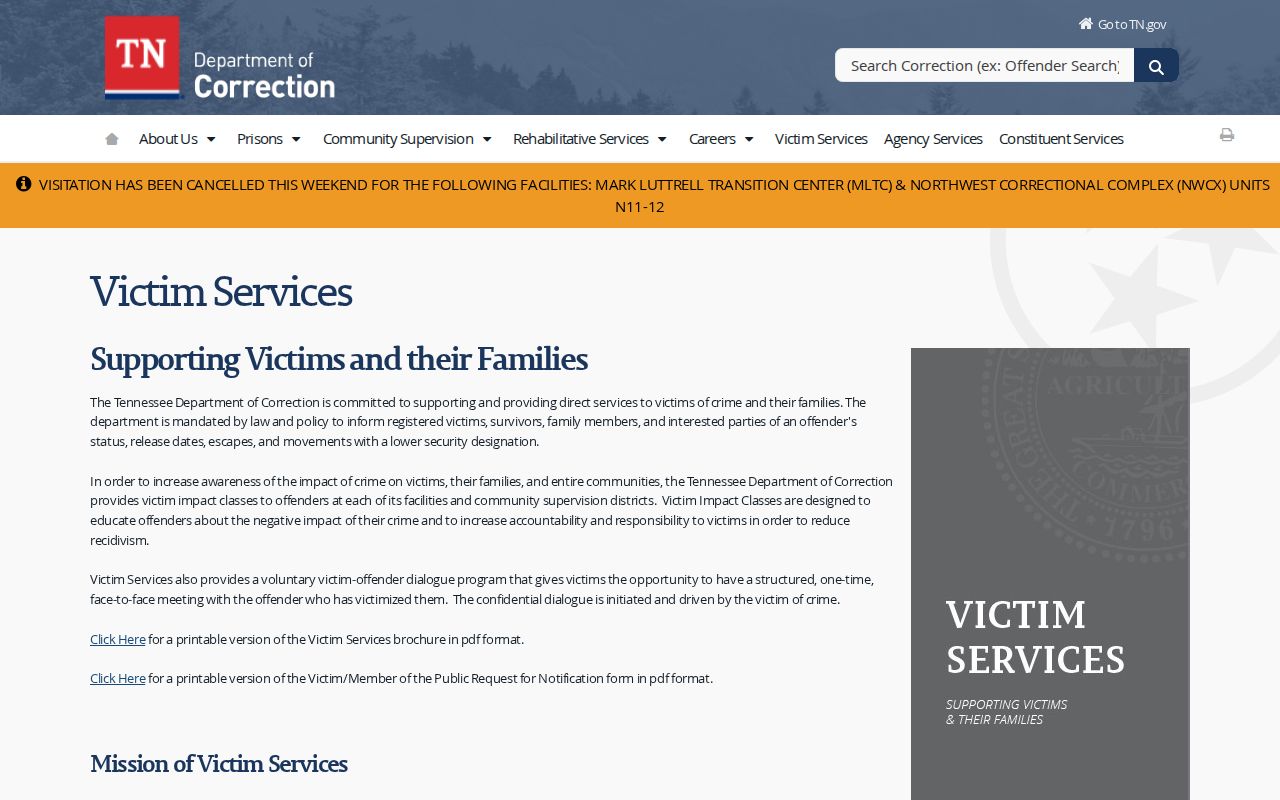
This official state source establishes notification mechanics, not a guaranteed Gibson County booking feed.
After a Gibson Custody Alert
When a custody alert lands in Gibson County, start with the basics. Read the event type and its date. Call the facility or agency named in the result. A release notice means the covered custody ended. A transfer notice points somewhere else, perhaps another jail or a TDOC facility. Either way, the criminal case itself stays open.
For the legal outcome, reach the Gibson County General Sessions Court, or find the right clerk through the Tennessee AOC directory. Have the booking number handy, plus the arrest date, the arresting agency, and the court number. Those details narrow a case fast.
Note: keep the VINE confirmation, PIN, and contact details secure, and confirm an alert registration stays active after any phone number or email change.
VINE is a notification service, not a records request. Want a booking sheet, photograph, or release entry? Contact the sheriff. Want a final judgment? That comes from the court clerk. When a notice arrives, save its date, event label, and facility, then verify the event through the named agency.
A transfer can move a person beyond a Gibson County search even though the original booking record stays with the sheriff. Confirm the transfer first. Only then search the receiving system. Before registering on a similar name, compare identifiers and facilities. After any custody move or contact change, recheck saved alert preferences, and hold onto the confirmation number for support calls.
Public Record Search
Sponsored Results